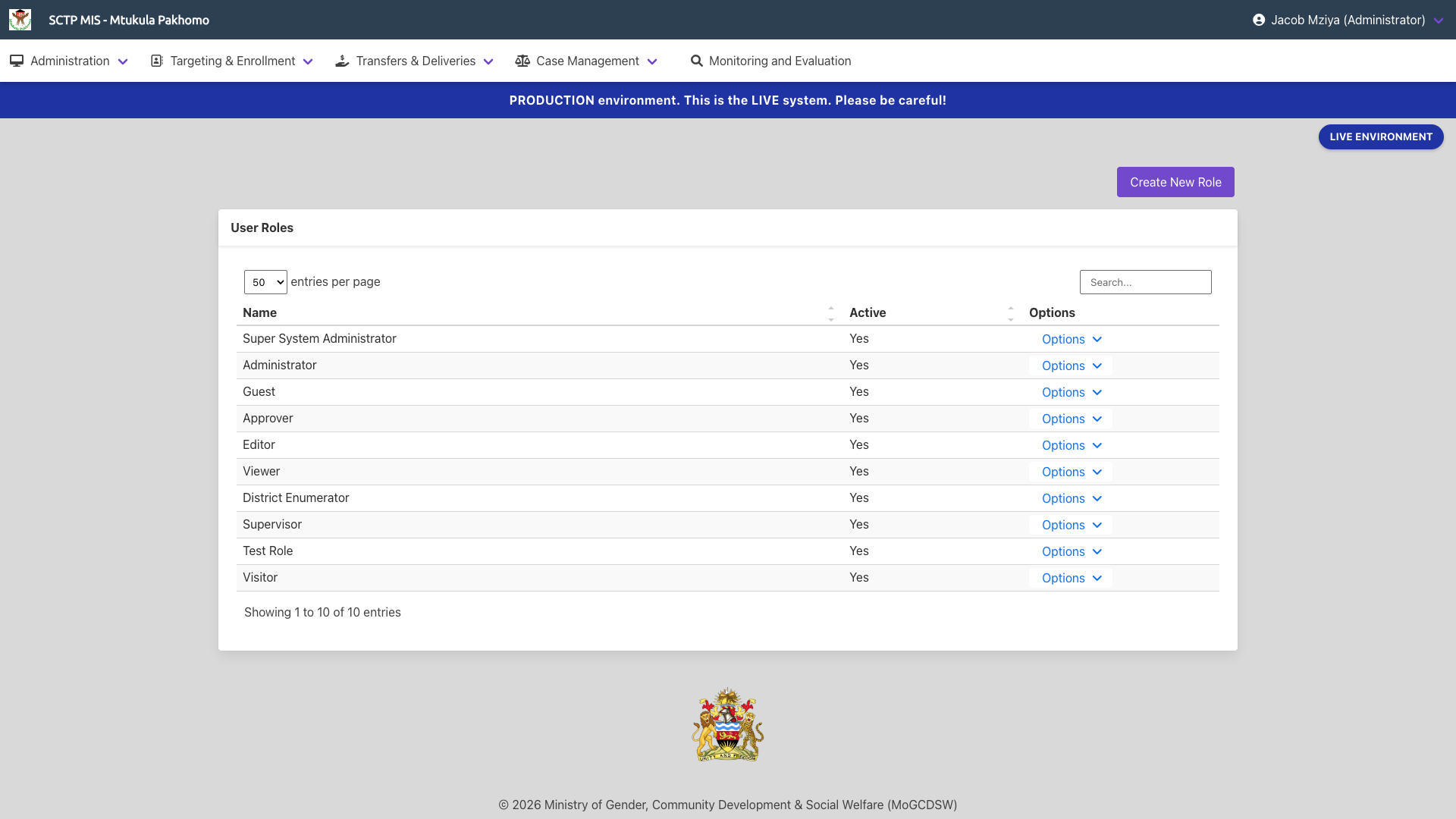
A User Roles page will be displayed, showing all the roles that have been registered in the SCTP MIS. When viewing User Roles, you can also create a new role. Click on the "Create New Role" button and create a custom role as desired.
When creating a new role, enter the Role Name and set the Active status value to "Yes". This will make it available for assignment to Access Group. Click "Add Role" to save the new role.